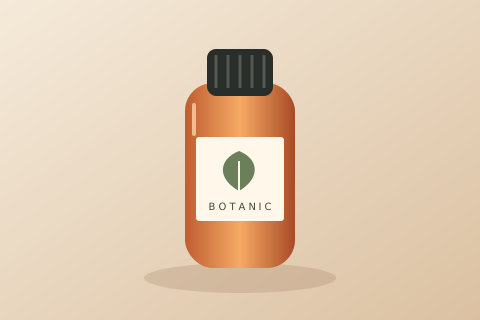
Product illustration
Inspect label edges, color gradients, and packaging details.
480 × 320 → 1920 × 1280 px (4×)
Powered by advanced AI super-resolution technology. Upscale your images 2× or 4× while preserving every texture and detail.
Upload your image
Drag & drop or click to browse · Max 100 MB
Recommended input for free models: up to 2.1 megapixels.
Guests: 2 upscales/day. Signed-in users: 5/day.
Available scale factors: 2× and 4×. 8× and 16× are currently not supported.
Choose a sample, run 2× or 4× upscaling, then compare your original and AI result with the slider.
Inspect label edges, color gradients, and packaging details.
480 × 320 → 1920 × 1280 px (4×)

Compare fine lines, mountain edges, and color transitions.
480 × 320 → 1920 × 1280 px (4×)
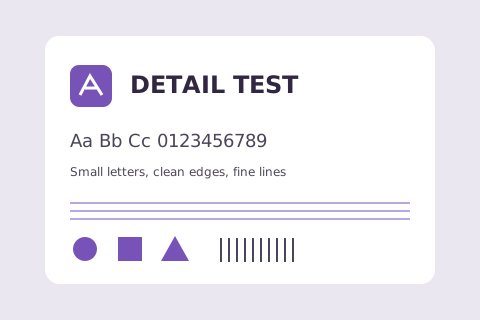
Test small lettering and geometric edges. AI may alter text; check the result.
480 × 320 → 1920 × 1280 px (4×)
These are sample input illustrations, not precomputed AI results. Generating a result uses your daily quota.
Three simple steps to transform any low-resolution image into a sharp, high-quality photo in seconds.
Drag and drop any photo — JPG, PNG, or WebP. Supports portraits, product shots, landscapes, artwork, and more.
Select 2× or 4× upscaling. The AI automatically enhances resolution, restores fine details, and removes noise.
Preview your upscaled image and download it instantly in high quality. No watermarks, no account required.
Everything you need to upscale images like a professional — packed into a simple, free online tool.
Advanced super-resolution AI reconstructs missing pixels from surrounding context. The result is sharper, more natural images — not blurry upsamples.
Choose the scale factor for your needs. Go from 2× for a quick HD boost to 4× for high-resolution outputs from small source images.
Each task processes a single image, so you can check the upscaled result and tweak your choice before running the next one.
Your uploads are sent securely to our AI upscaling providers to deliver your result. We do not publish your images or share them for marketing.
Free 2× and 4× upscaling with no watermarks and no signup for basic use. Larger images can be processed with paid credits.
Compare the original and upscaled image side by side with an interactive slider, then download the result in full quality.
See how our tool stacks up against generic AI online tools and traditional manual methods.
| Feature | Our AI Upscaler | Generic AI Tools | Manual Methods |
|---|---|---|---|
| Max Scale Factor | Up to 4× | 2×–4× | 1×–2× |
| Processing Time | Seconds | Minutes | Hours |
| Output Quality | |||
| Batch Processing | |||
| Secure Processing | |||
| No Watermarks | |||
| Free to Use |
Upscale product photos to print-ready resolution. Remove blur from low-quality supplier images without re-shooting.
Restore cropped, compressed, or archival shots. Convert 72 DPI web images to 300 DPI print-ready files in seconds.
Revive aged, scanned, or damaged photos. AI super-resolution reconstructs lost detail and sharpens blurry originals.
Everything you need to know about AI image upscaling.
❧ ❧ ❧
Upload your first image and see the difference in seconds. Free 2× and 4× upscaling, no signup required.